

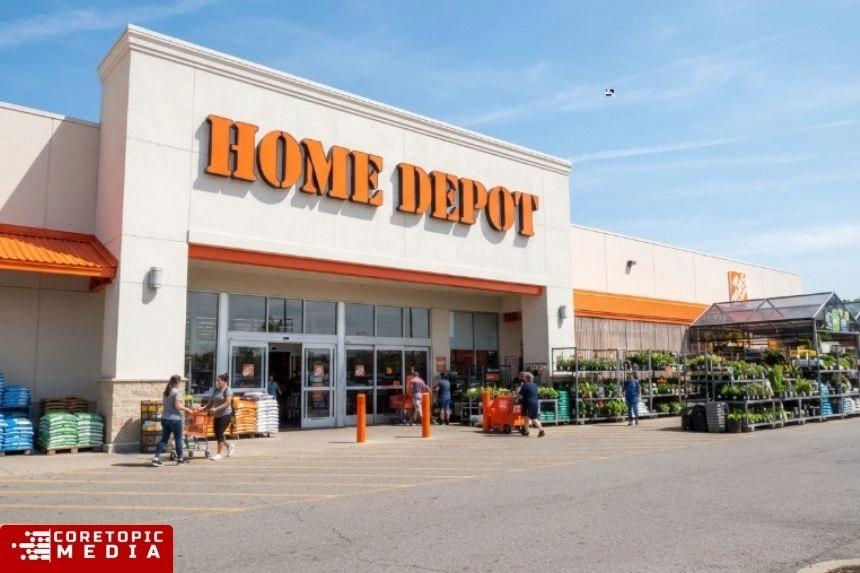
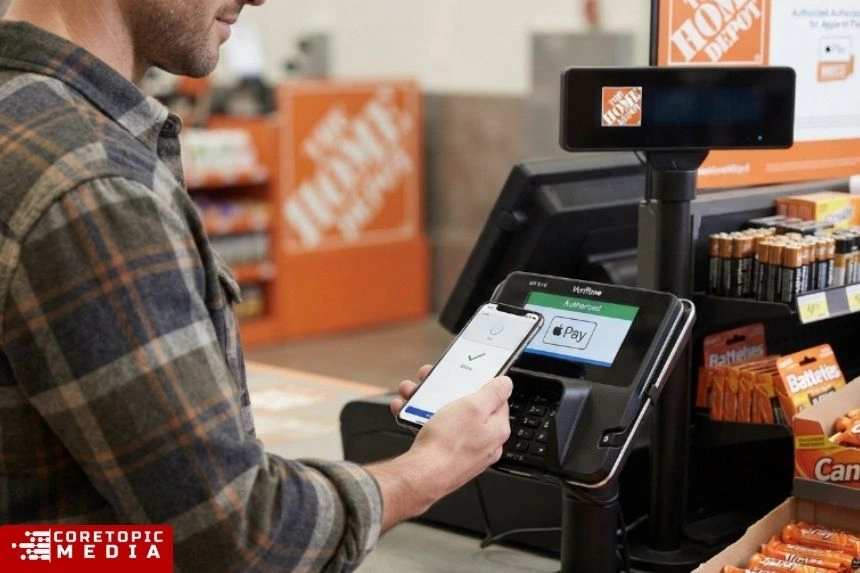
The answer is yes for U.S. stores. Home Depot began rolling out contactless payment support in 2024, ending a long period during which Apple Pay did not work at its physical checkout terminals. A Home Depot spokesperson confirmed in October 2024 that the company had begun rolling out contactless payments across its U.S. stores and expected the rollout to reach most stores and registers later that year.
However, there is still an important catch: Apple Pay availability at Home Depot’s online checkout and app can differ from in-store acceptance. Therefore, if you’re shopping on HomeDepot.com, you should look for the Apple Pay button during checkout rather than assume that in-store support automatically means online support.
Does Home Depot Take Apple Pay in Stores?
Yes. Home Depot accepts Apple Pay at U.S. stores where contactless payment is enabled.
The retailer started bringing Apple Pay and other contactless payment options back in 2024 after dropping support years earlier. The change was significant because Home Depot had been one of the major U.S. retailers that did not support Apple’s mobile wallet.
The 2024 rollout was confirmed by Home Depot itself through a spokesperson speaking to 9to5Mac. The company described the change as a rollout of contactless payment rather than simply an Apple Pay-specific feature.
That distinction matters because contactless checkout can support multiple digital wallets and tap-enabled cards.
As a result, if you see the contactless symbol on a Home Depot payment terminal, Apple Pay may be available there.
Apple also explains that Apple Pay works at participating stores when the appropriate contactless symbol is displayed and the merchant’s payment terminal has NFC contactless enabled.
Can You Use Apple Pay at Home Depot Self-Checkout?
Yes, where the self-checkout terminal supports contactless payments.
Self-checkout is one of the most convenient places to try Apple Pay because you can complete the transaction without handing over a physical card.
At the payment screen, choose the card-payment option and look for the contactless reader. Then:
- Open Apple Wallet on your iPhone.
- Select your preferred card if necessary.
- Authenticate with Face ID, Touch ID, or your passcode.
- Hold the top of your iPhone near the contactless reader.
- Wait for the confirmation checkmark.
With an Apple Watch, double-click the side button and hold the watch display near the reader.
Apple’s official instructions confirm that an iPhone or Apple Watch can be used for contactless purchases wherever Apple Pay is accepted.
Apple’s official Apple Pay payment guide
How to Pay With Apple Pay at Home Depot
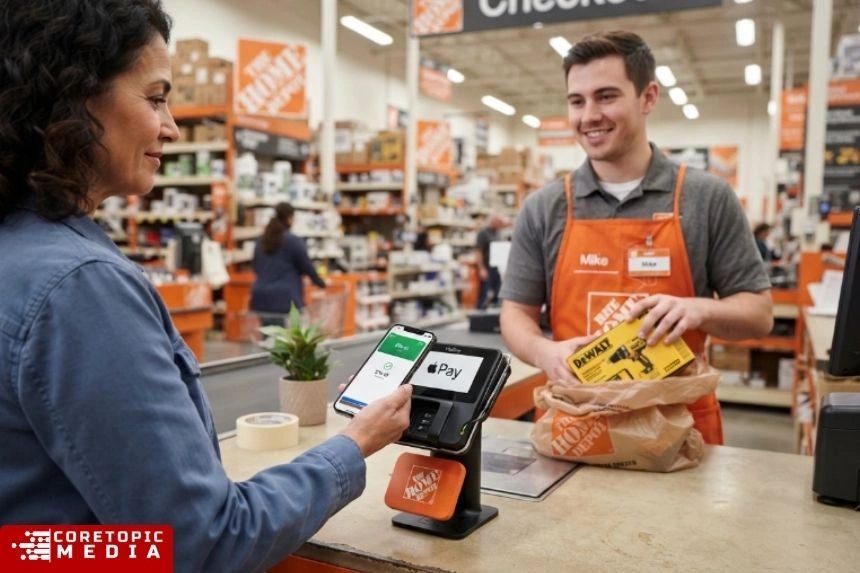
Using Apple Pay at a participating Home Depot register is straightforward.
With an iPhone
If your iPhone has Face ID, double-click the side button to bring up your default Apple Pay card. Authenticate with Face ID or your passcode.
Next, hold the top of the iPhone close to the contactless reader.
When the transaction succeeds, your phone displays a confirmation.
If you want to use another card stored in Apple Wallet, tap the default card before placing your phone near the terminal and select the card you want.
With an Apple Watch
Apple Watch users can also make contactless payments.
Double-click the side button, select another card if necessary, and hold the Apple Watch display near the payment reader.
Apple says you should wait for the confirmation vibration and sound indicating that the payment has been completed.
Apple Support: Make purchases using Apple Pay
Does Home Depot Take Apple Pay Online?
This is where the answer becomes less straightforward.
Do not assume that in-store Apple Pay acceptance means Apple Pay will always appear on HomeDepot.com.
Apple’s own guidance says Apple Pay can be used online or in apps when the merchant specifically provides an Apple Pay button or lists Apple Pay as an available payment method.
Home Depot’s current account/payment interface prominently provides options for cards, Home Depot credit cards, gift cards and PayPal. Its payment-management page does not establish universal Apple Pay availability for every online transaction.
Therefore, the safest approach is simple: when checking out online, use Apple Pay only if the checkout screen actually presents it as an option.
If the Apple Pay button does not appear, use another available payment method such as a credit or debit card or PayPal.
Home Depot payment methods/account page
Does the Home Depot App Accept Apple Pay?
The answer can depend on what payment options are presented during the particular checkout.
Apple’s rules are straightforward: Apple Pay can be used in an app when that merchant has integrated Apple Pay and displays it as a payment option.
Consequently, if Apple Pay appears at checkout in the Home Depot app, you can select it and authenticate the transaction.
If it does not appear, you will need to use one of the other payment methods offered by Home Depot.
This is different from walking into a physical store, where the presence of an enabled contactless reader is the key factor.
Why Did Home Depot Stop Accepting Apple Pay?
The history explains why some older articles still say that Home Depot does not accept Apple Pay.
Home Depot had previously allowed Apple Pay to work at some locations because certain stores had compatible NFC terminals. However, in 2015 the retailer stopped accepting Apple Pay. Contemporary reporting documented the change and noted that Home Depot promoted PayPal as an alternative.
For nearly a decade, that made many older answers to the question accurate.
Then the situation changed.
In October 2024, Home Depot confirmed that it had started rolling out contactless payments in its U.S. stores. The company expected the rollout to reach most stores and registers later that year.
So, if you find an article from 2015, 2020, 2022, or early 2024 saying “Home Depot does not take Apple Pay,” that information is outdated for the current U.S. in-store situation.
When Did Home Depot Bring Apple Pay Back?
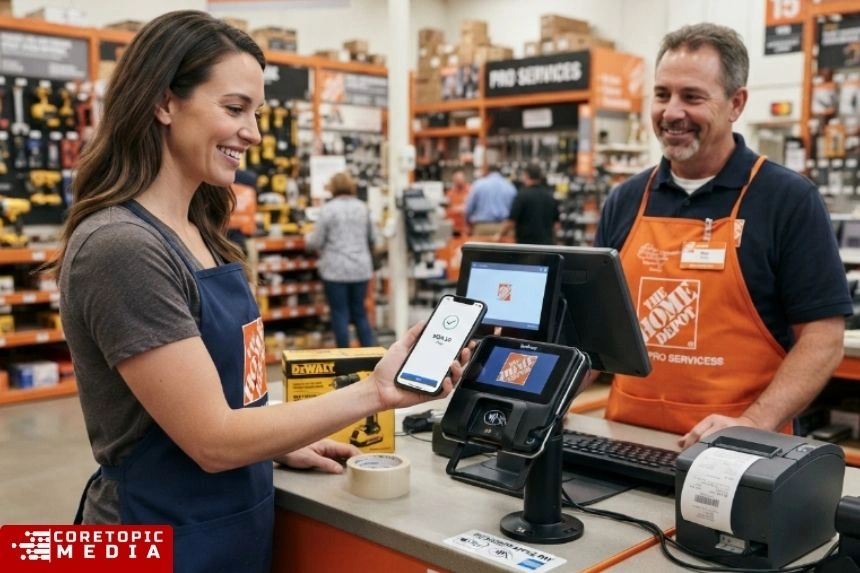
Home Depot began rolling out contactless payment support in 2024.
Reports of Apple Pay working at Home Depot locations appeared in October 2024. Shortly afterward, Home Depot confirmed that it had begun rolling out contactless payment options in its U.S. stores.
The change was also reported during Apple’s 10th anniversary period for Apple Pay. Apple noted that Home Depot and H-E-B were among longtime U.S. holdouts that were beginning to roll out contactless payments.
Apple Newsroom: Apple Pay’s 10-year anniversary
This is why the answer today is different from the answer found in older shopping guides.
What Should You Look for at Home Depot?
If you want to pay with your iPhone, the easiest thing to check is the payment terminal.
Look for the contactless payment symbol.
Apple specifically recommends looking for the appropriate contactless symbols when determining whether Apple Pay can be used at a physical store.
If the symbol is present and contactless payments are enabled, you can try tapping your iPhone or Apple Watch.
However, a symbol alone is not an absolute guarantee. Apple notes that some terminals may display contactless symbols but not currently have contactless payments enabled.
Therefore, keeping another payment method available is sensible if you’re making a large purchase.
What Other Payment Methods Does Home Depot Accept?
Home Depot supports several conventional payment methods.
Depending on the transaction, customers can generally use:
- Visa
- Mastercard
- American Express
- Discover
- Home Depot credit cards
- Home Depot gift cards
- PayPal for supported online transactions
- Cash and other traditional payment options at physical stores
The exact payment choices can vary depending on whether you’re shopping in-store, online, or through another Home Depot service.
Home Depot’s official retail website
For online purchases, Home Depot’s account system currently provides card and PayPal management options.
Is Apple Pay Safe to Use at Home Depot?
Apple Pay is designed to avoid giving the merchant your actual card number during a typical Apple Pay transaction.
Apple states that Apple Pay uses security technologies and authentication such as Face ID, Touch ID, or a device passcode.
Apple’s security documentation also explains that the actual card number is not shared with the merchant in the normal Apple Pay process. Instead, Apple Pay uses device-specific payment information and transaction security mechanisms.
That means Apple Pay can be attractive to shoppers who prefer not to hand over or physically insert their payment card.
Still, Apple Pay does not eliminate all payment risks. You should protect your iPhone, Apple Account, and payment cards just as you would protect a physical wallet.
Apple’s official Apple Pay security and setup guidance
Does Apple Pay Work at Every Home Depot?
The best answer is it should work at U.S. stores with enabled contactless payment terminals, but don’t assume every terminal will behave identically.
Home Depot’s 2024 announcement described a rollout rather than an instant nationwide switch. The company said it expected the rollout to be completed to most stores and registers later that year.
Furthermore, payment technology can vary between registers and locations.
Therefore, if Apple Pay fails at one register, look for another contactless-enabled terminal or ask an employee whether that lane supports tap-to-pay.
This is particularly useful if you’re visiting a location that has older equipment or if the contactless symbol is not visible.
Home Depot and Apple Pay: What Changed?
The simplest way to understand the history is through three stages.
Before 2015: Apple Pay could work at some Home Depot locations with compatible NFC hardware, although Home Depot was not an official Apple Pay partner.
2015–2024: Home Depot became a major Apple Pay holdout and did not generally support Apple Pay at its U.S. physical stores.
From 2024 onward: Home Depot began rolling out contactless payments in its U.S. stores, bringing Apple Pay back into the checkout experience.
This timeline explains why search results can appear contradictory.
Older pages are describing the former policy, while newer information reflects the company’s contactless-payment rollout.
Home Depot on Wikipedia
For general background about the retailer, you can also read the Home Depot Wikipedia page.
The page covers the company’s history, founders, headquarters, business operations, locations, and corporate development.
Wikipedia is useful for general background, but payment policies can change quickly. Therefore, for Apple Pay specifically, current retailer information and recent reporting are more useful than relying on an old Wikipedia revision.
Final Answer: Does Home Depot Take Apple Pay?
Yes — Home Depot takes Apple Pay for in-store purchases at U.S. locations with contactless payment enabled.
The company began rolling out contactless payments in 2024 after years without Apple Pay support. Home Depot confirmed the rollout through a company spokesperson, making the change substantially different from the retailer’s former policy.
For self-checkout, Apple Pay should work when the terminal supports contactless payments.
For online and app purchases, check the checkout screen. Apple Pay must actually be displayed as an available payment option before you can use it.
So, if you’re walking into Home Depot with your iPhone and no physical wallet, you can generally use Apple Pay in the store. Nevertheless, carrying a backup payment method is still a good idea in case a particular terminal does not accept contactless payments.
Frequently Asked Questions
1. Does Home Depot take Apple Pay in 2026?
Yes. Home Depot has rolled out contactless payment support in its U.S. stores, allowing Apple Pay at supported payment terminals. The rollout began in 2024.
2. Can I use Apple Pay at Home Depot self-checkout?
Yes, provided the self-checkout terminal has contactless payment enabled. Look for the contactless symbol and tap your iPhone or Apple Watch when prompted.
3. Can I pay with an Apple Watch at Home Depot?
Yes. If the register supports contactless payments, you can use an Apple Watch with Apple Pay. Double-click the side button and hold the watch near the payment reader.
4. Does Home Depot accept Apple Pay online?
Online availability is different from in-store acceptance. If Apple Pay appears as a payment option during HomeDepot.com checkout, you can use it. Otherwise, choose another available payment method.
5. Does the Home Depot app accept Apple Pay?
Apple Pay can be used in an app when the merchant provides Apple Pay as a checkout option. Therefore, check the Home Depot app’s payment screen for the Apple Pay button before completing your purchase.
6. Why did Home Depot stop accepting Apple Pay?
Home Depot stopped accepting Apple Pay in 2015 after previously allowing it to work at some locations. The retailer remained a major holdout until it began rolling out contactless payments again in 2024.
7. When did Home Depot start accepting Apple Pay again?
Home Depot began rolling out contactless payment support in U.S. stores in 2024. The company confirmed the rollout in October 2024.
8. How do I know if my Home Depot accepts Apple Pay?
Look for the contactless payment symbol on the checkout terminal. Apple recommends using Apple Pay where the appropriate contactless symbol is displayed, although a terminal still needs to have contactless functionality enabled.
9. Can I use Apple Pay for a large Home Depot purchase?
Yes, Apple Pay can be used for purchases where the store’s payment system supports it and the transaction meets the applicable payment requirements. For particularly large purchases, keeping a physical card available as a backup is sensible.
10. Is Apple Pay safer than using my physical card at Home Depot?
Apple Pay provides additional security features, including device authentication and payment credentials designed to avoid sharing your actual card number with the merchant. However, you should still protect your device and payment accounts.
Bottom Line
Does Home Depot take Apple Pay? Yes, in U.S. stores with contactless payment enabled.
The confusion comes from Home Depot’s long history with Apple Pay. The retailer dropped support in 2015, but it began bringing contactless payments back in 2024. Today, an iPhone or Apple Watch can be used at supported Home Depot checkout terminals.
For online orders and the mobile app, however, don’t assume Apple Pay is automatically available. Look for the Apple Pay button during checkout.
That distinction gives you the most accurate answer: Apple Pay is supported for Home Depot’s U.S. in-store contactless checkout, while online availability should be confirmed at the point of checkout.
Read More At Core Topic Media